Learn Your Way: Classroom Demo Video
Open Settings in the middle of a question, see the Interactive Voice Response notice, switch between Light and Dark Mode, increase the screen size, and return to the same question.
One-time purchase, no subscription. Law & Business included.
Key moments
- 0:02 Here is Learn Your Way
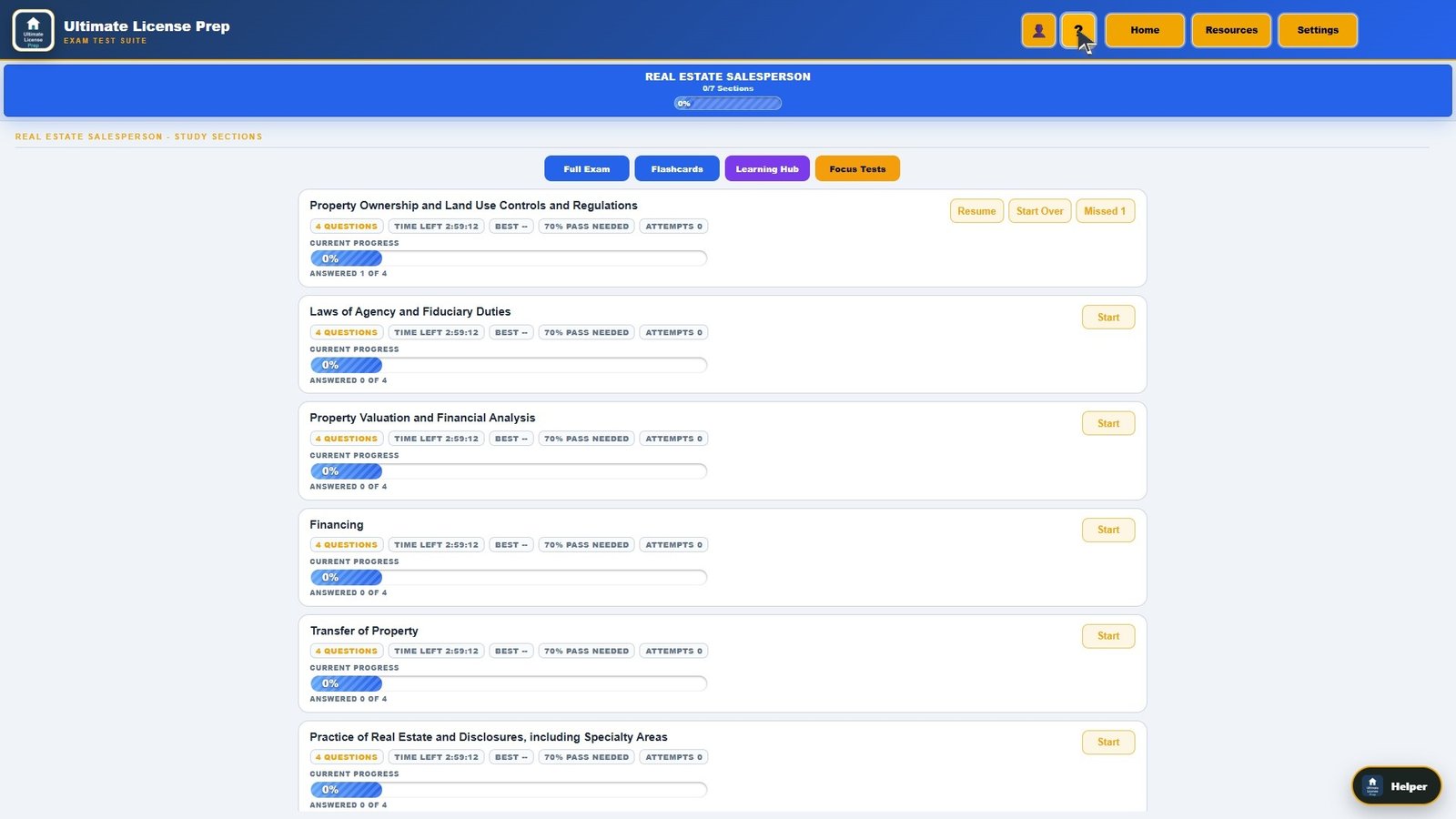
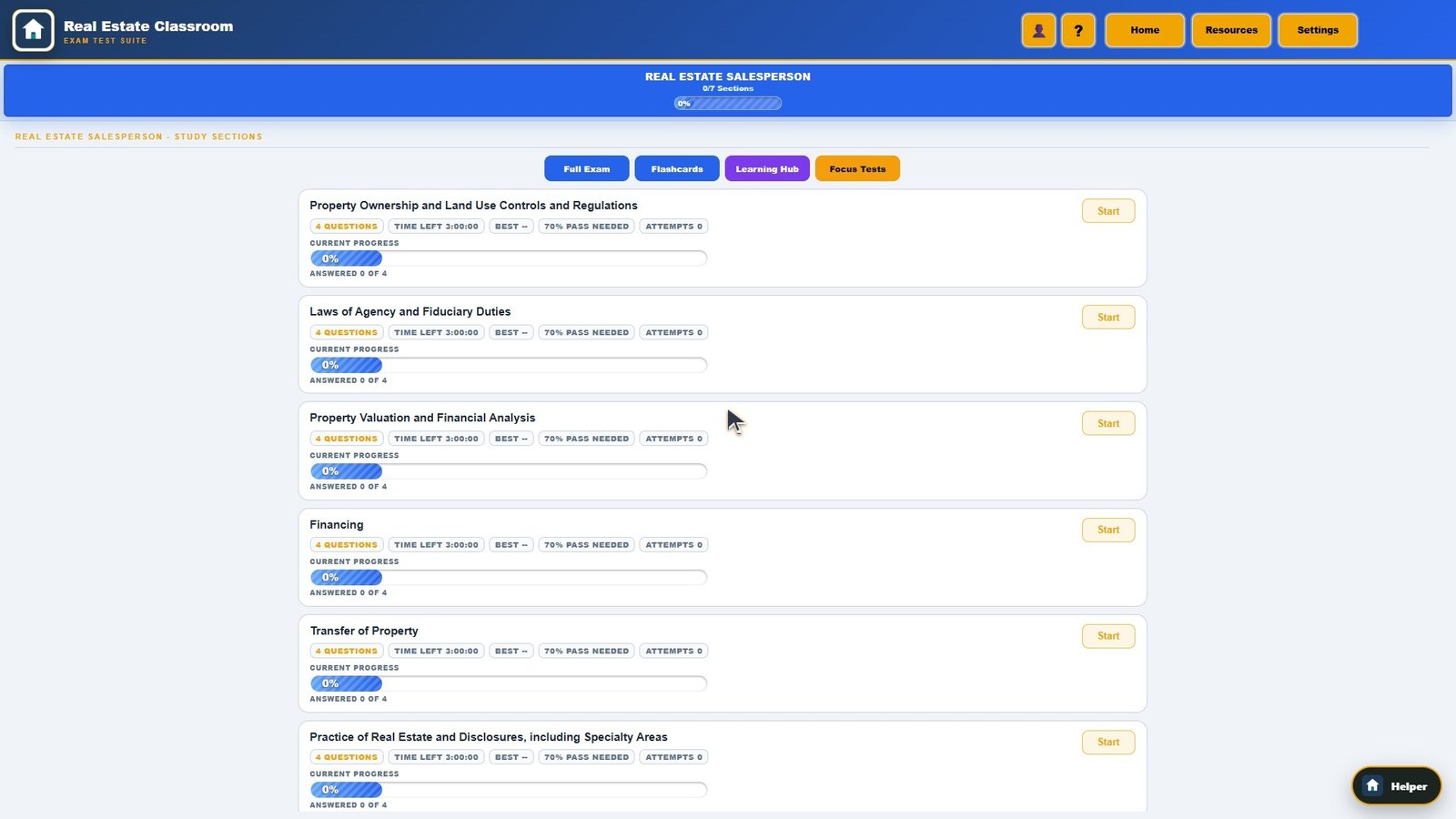
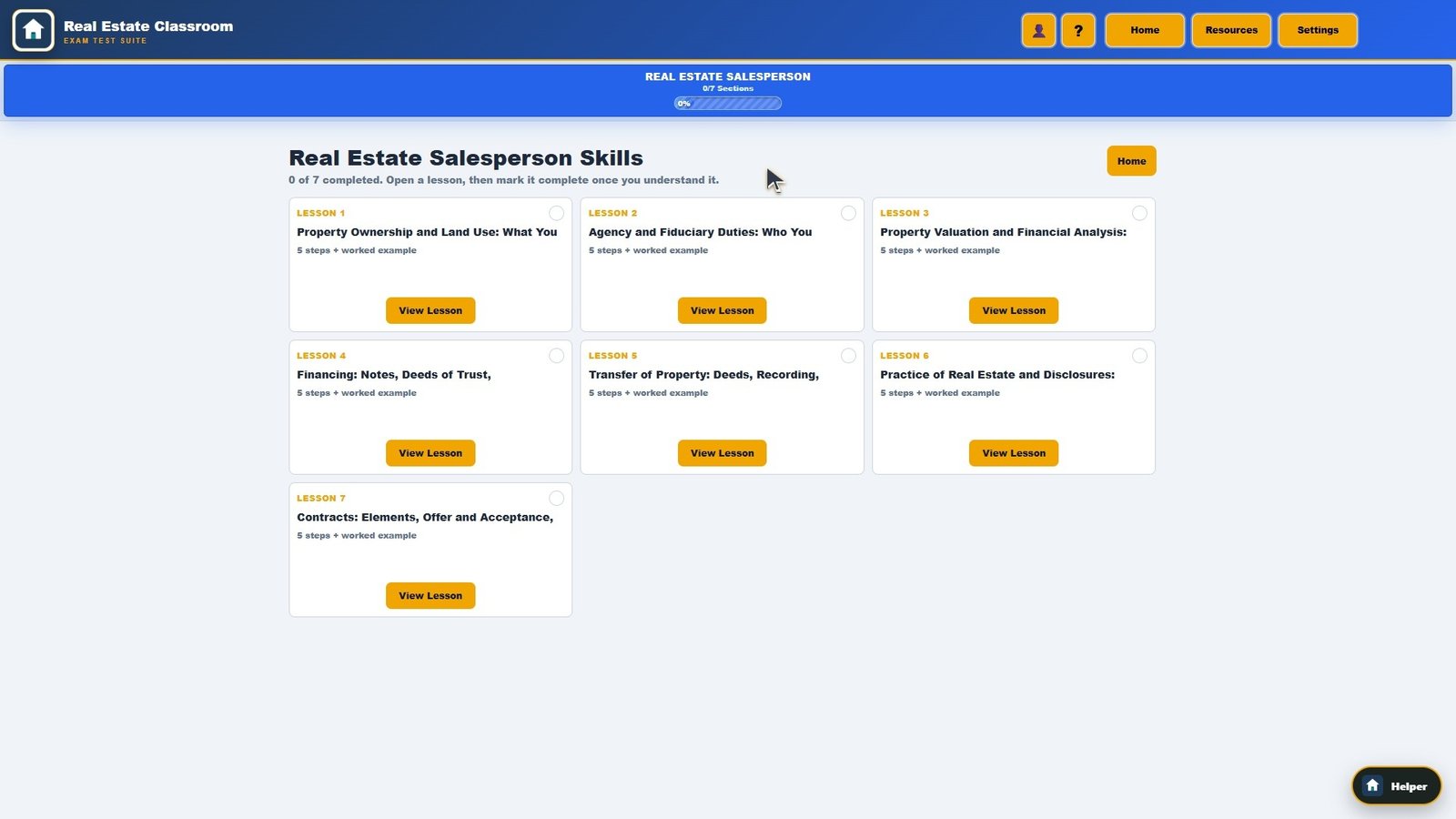
- 0:07 Choose a section to open a question
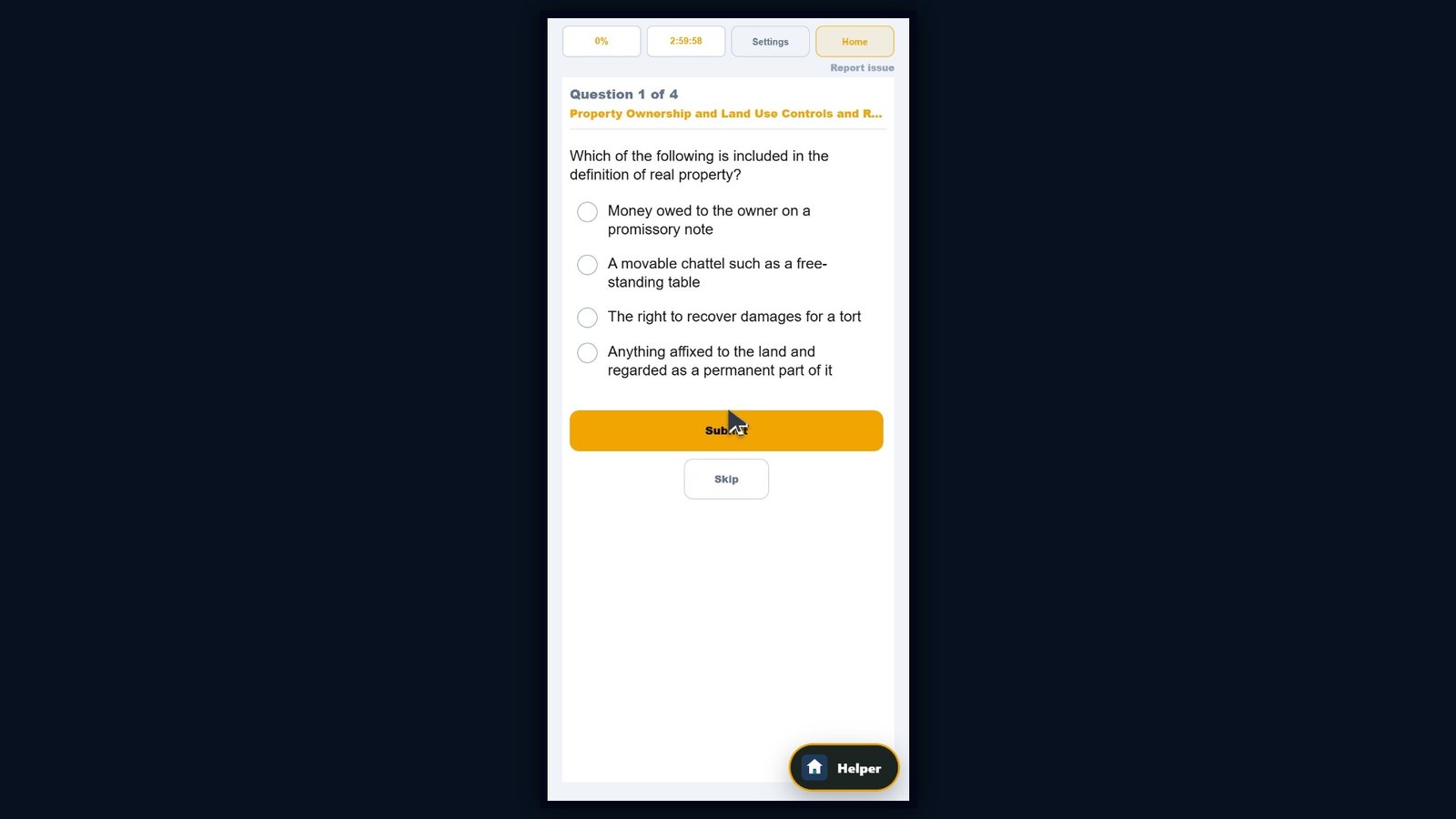
- 0:10 The active question stays in place while you adjust learning controls
- 0:14 Open Settings in the middle of the question
- 0:16 Interactive voice response is available in Settings, while tapping an answer always remain
- 0:22 Voice response first shows the safety notice before microphone access is requested
- 0:32 Light and Dark Mode are one click away, and the same question stays open
- 0:39 Increase the screen size while the same question remains active
- 0:44 Close Settings: the exact same question is still waiting
Transcript
Here is Learn Your Way. Change the interface in the middle of a question without losing your place. Choose a section to open a question. The active question stays in place while you adjust learning controls. Open Settings in the middle of the question. Interactive voice response is available in Settings, while tapping an answer always remains available. Voice response first shows the safety notice before microphone access is requested. Light and Dark Mode are one click away, and the same question stays open. Increase the screen size while the same question remains active. Close Settings: the exact same question is still waiting.
Official sources for what this video shows
More demo videos
Ready to practice for real?
Try the real classroom free, no sign-up, or get the full course for your trade.
Independent exam preparation. Ultimate License Prep is not affiliated with the California Department of Real Estate, and no course can guarantee a passing result.